
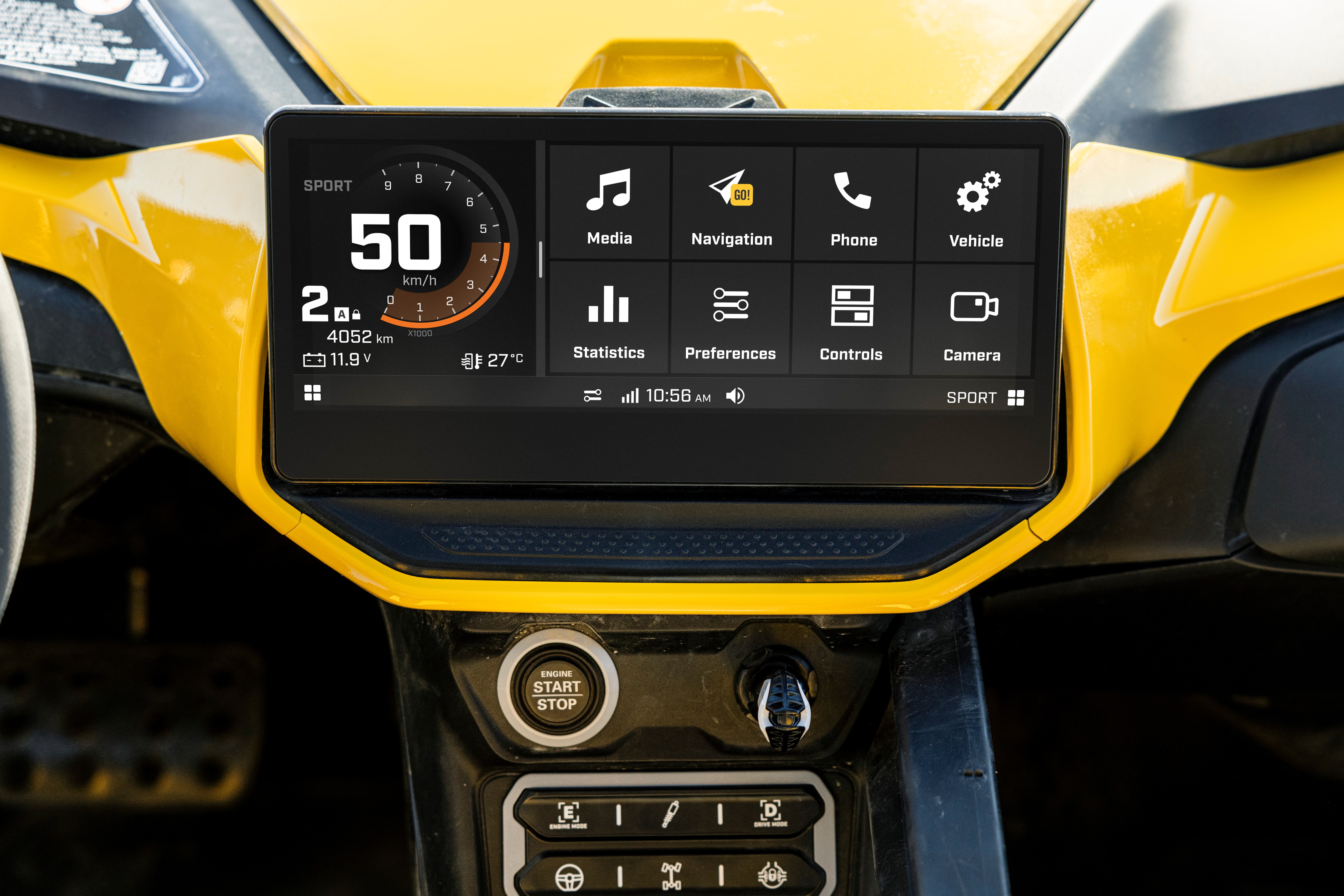
Why should you update your display?
The 10.25″ Wireless Touch Display and the 10.25″ Touch Display have Wi-Fi connectivity to connect to your home network or another wireless internet connection, and update the software running your Can-Am ATV or SSV display. Just like for your mobile devices, this allows you to add new features, interface improvements, security updates and more.
How do I update my Can-Am touchscreen display?
Important information before updating the software of the display:
- Your vehicle's engine can be turned off, but the display still needs to be on.
- Never perform updates while driving the vehicle.
- Make sure your vehicle has sufficient battery charge. We recommend installing a charger on your vehicle during the process to ensure the battery has enough charge.
10.25″ Wireless Touch Display
STEP 1: Connect your display to a Wi-Fi network
a) From the App menu, select the “Settings” app and then “Connect” from the list on the left.

b) Then select “Wi-Fi”, find the network you’d like to connect to from the list that appears on screen, and enter the password.
Note:
- If no Wi-Fi network is available near the vehicle, you can share your smartphone cellular network by hotspot (cellular data fees may apply)
- The display will only connect to a secured network

STEP 2: Download and install the update
c) Once connected to Wi-Fi, scroll down and select “System” from the list on the left.

d) Select "System Update", then "Check for Updates"

e) If there is an update available, press "Download Update" & follow the on‑screen steps to download and install
Vehicles with 10.25'' Wireless Touch Display

2027 Traxter
The Traxter is a versatile side-by-side workhorse with multiple engine options and class-leading towing and cargo box capacity. Built for reliability, it’s ideal for ranching, farming, hunting, and everything in between.

2027 Traxter HD11
The Traxter NextGen features dedicated new work engines and a redesigned transmission for smoother shifts and better handling. With the same hauling capacity and lower maintenance costs, it’s built for the long haul.
10.25″ Touch Display
STEP 1: Connect your display to a Wi-Fi network
a) On the main Applet menu, select “Preferences,” and then “Wi-Fi” from the list on the left.
b) Then select “Add New Network,” find the network you’d like to connect to from the list that appears on screen, and enter the password.
*If no Wi-Fi network is available near the vehicle, you can share your smartphone cellular network by hotspot (here's how to do it for Apple and Android devices). Just note cellular data fees may apply.
*The 10,25'' touchscreen display will only connect to a secured network

*Make sure that the network you are using has a connection of 2.4GHz and is secured
*Ensure the network name and password do not contain any apostrophes or any other special characters)

STEP 2: Download and install the new software version
c) Once connected to Wi-Fi, select “General” from the list on the left.

d) Select "Software Update", then the available update (if any).
*Please note that the system will automatically check if a new update is available when the display is connected to an Internet network and the "General" section is open.

e) Press “Download Update” and the process will begin.


Once the update process is completed, your vehicle’s display will reboot, and you’ll be equipped with all the latest capabilities for your next off-road adventures. It’s time to start riding again!
If you’re looking for more Can-Am how-to’s and tips, check out the Owner Zone of our website. Enjoy the ride!
Vehicles with 10.25″ Touch Display
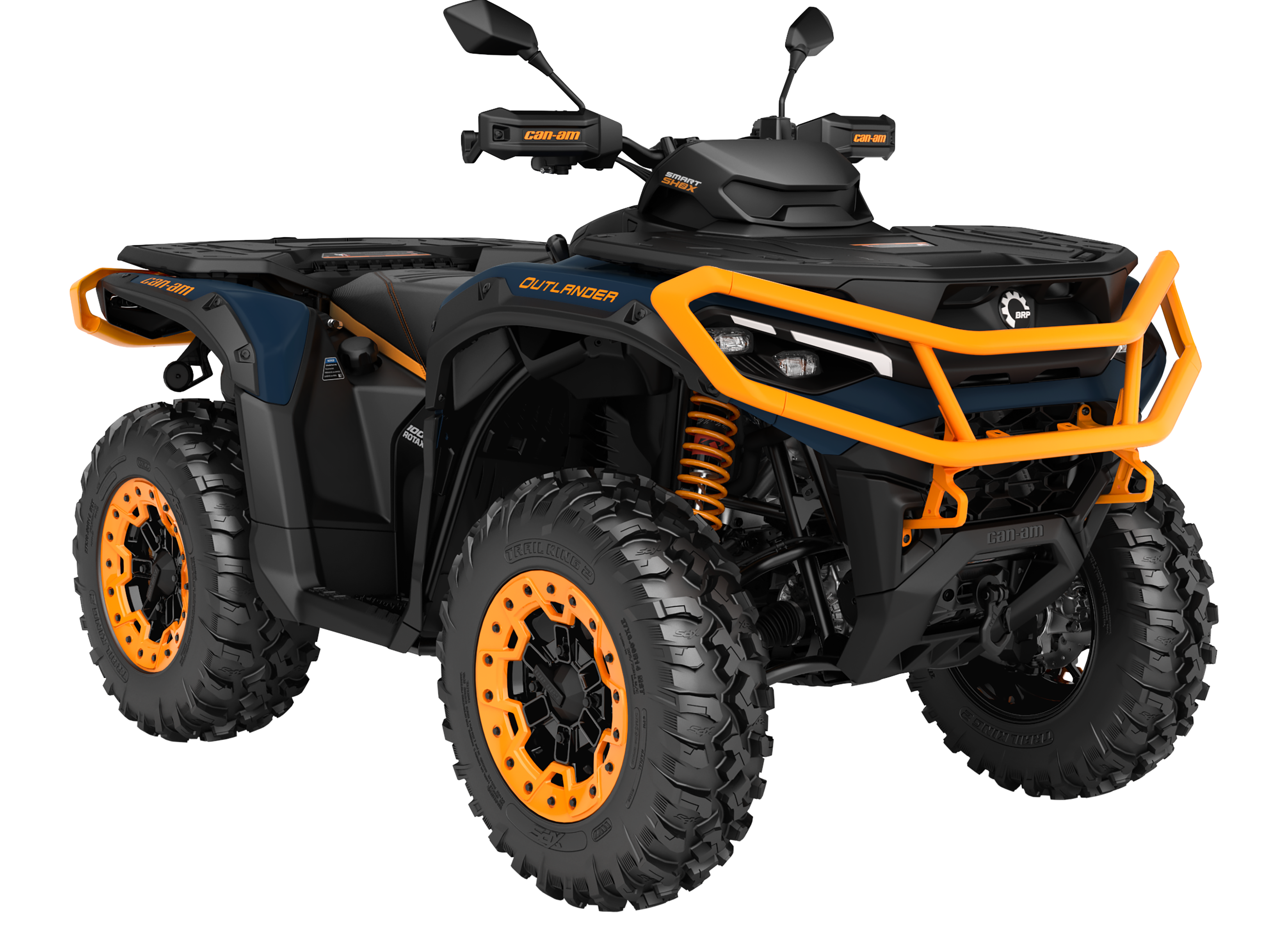
2027 Outlander 1000/1000R
Calling the new 2027 Outlander 1000/1000R the gold standard in ATVs wouldn't be a stretch. Built on proven Rotax technology, this gritty unit is the one most trusted by riders hungry for stability, reliability, and power.

2027 Maverick R
Riders who demand the best choose the Maverick R, with the industry's most advanced Dual Clutch Transmission (DCT), unmatched launch control and an extra low gear, driven by a pressure-tested Rotax engine.

2027 Maverick
On the rugged 2027 Maverick, off-road dominance comes stock. This year’s model features upgrades like a full roof, quarter doors, and window nets across the complete lineup.